
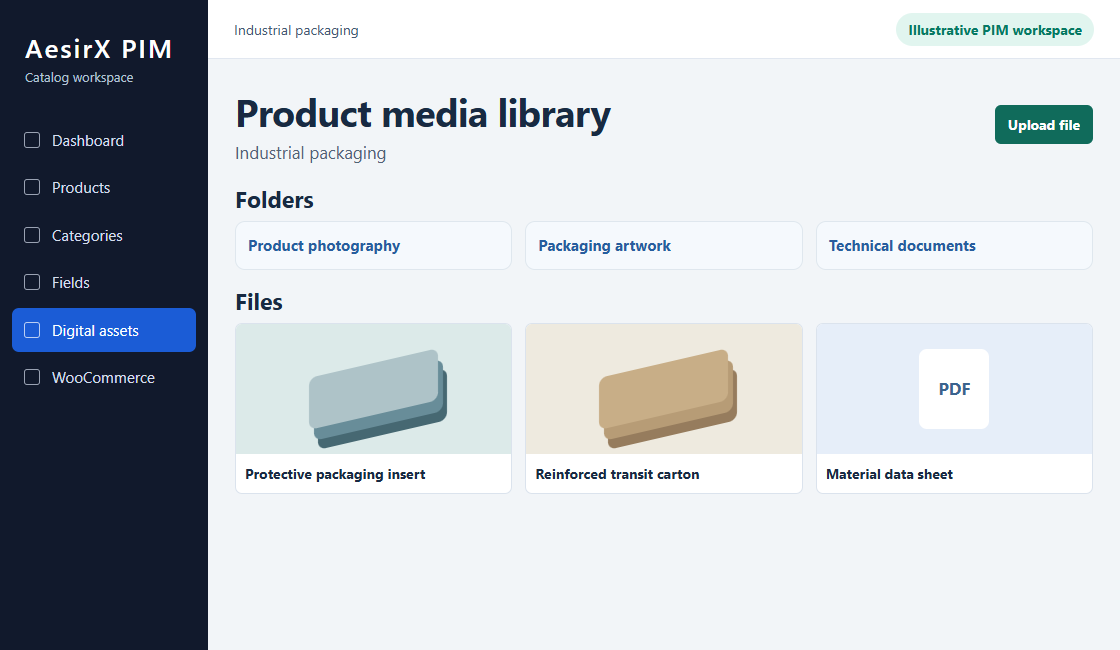
Organize assets around how people find them
Give the catalog team an agreed structure for product photography, packaging artwork, and technical documents. The pilot asset library can show folders and common image and PDF entries in list or thumbnail views. Pick names that help colleagues identify the product and the kind of file before opening it.
Associate the right media with each item
Select a thumbnail that identifies the product at a glance. Use the gallery for additional views that answer buyer questions, and use a supporting document when someone needs technical detail. In an industrial catalog, that might mean a front view, a photo showing the fit, and a material data sheet.
Review media during catalog publication
Confirm that the file belongs to the product, shows the current packaging or finish, and has the intended title. If the product is published to WooCommerce, compare the images on the storefront with the product record. Test the formats and sizes your team uses in the pilot before moving large batches of assets. Keep a small set of approved records for repeatable comparison after changing category or channel settings.
Review the asset change alongside the product change
Suppose a packaging supplier replaces the artwork on a carton. Identify which catalog items use the older image and ask the product owner to confirm the replacement. Keep a front image for the listing, a detail view to explain the closure and a current technical sheet where customers need specifications. Give each file a name that distinguishes its role.
Before changing the storefront, compare the updated thumbnail and gallery with the intended product in each configured language. If the PIM record is correct and the live page still uses the old view, check the mapped product and its media in the store. WooCommerce integration